
 1.0.3
1.0.3Hành động
 Vịt Việt Hóa Tham gia Discord Tải bản cài đặt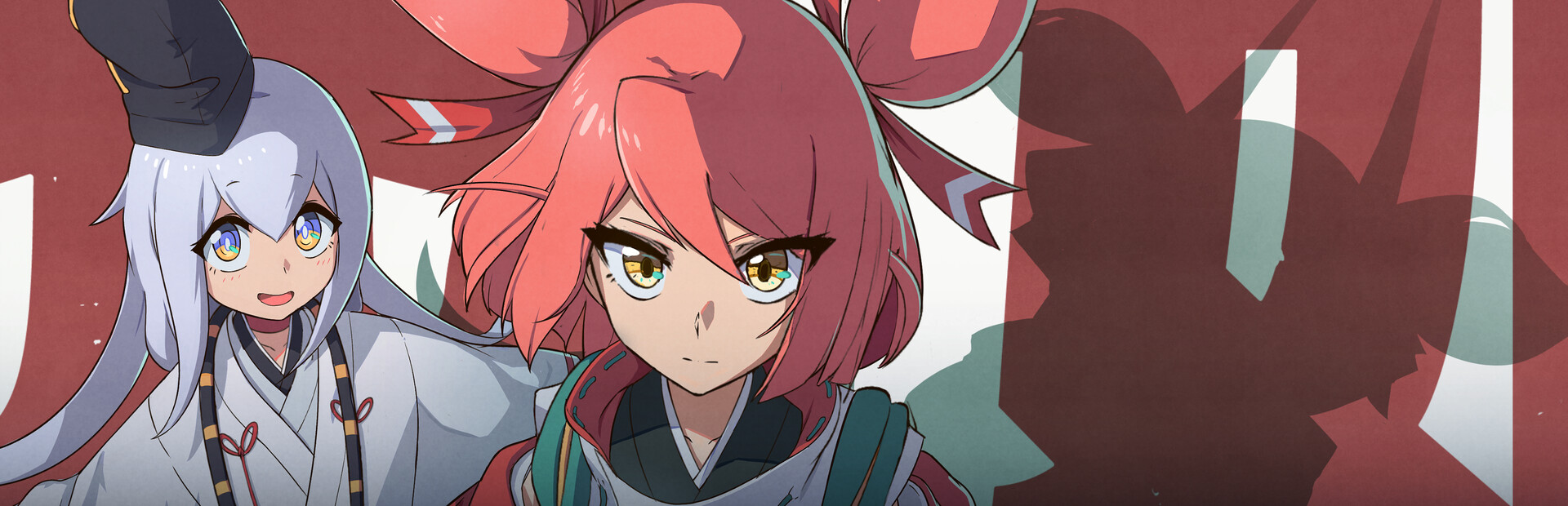
✦ Bản Việt hóa
Bản Việt hóa (tiếng Việt · Vietsub) cho Homura Hime — tải miễn phí và cài patch tiếng Việt tự động bằng app Vịt Việt Hóa.
Story Welcome to a world where humans and demons coexist. Souls harboring strong emotions and deep regrets at their time of death are transformed into archdemons. Archdemons have the power to corrupt the foundation of the world and contaminate their surroundings. Creatures tainted by this demonic power turn into lowly monsters that operate solely on raw instinct. Faced with the threat to the world posed by five extremely powerful demon girls, the High Priestess is forced to dispatch Homura Hime—the "Flame Princess" and the strongest exorcist of them all—and her aide, Ann, who are now entrusted with the divine mission of purifying the world and defeating all demons.
Game Features Immerse yourself in exhilarating and intense combo attack action Survive challenging and beautiful 3D bullet hell attacks Defeat archdemon girls to unlock special weapons and equipment Take down the demons and reveal the truth about this world
Đây chỉ là bản patch Việt hóa — không bao gồm game gốc. Bạn cần tự sở hữu và cài đặt game gốc trước, sau đó dùng app để áp bản dịch tiếng Việt.
Nhấn nút “Tải bản cài đặt” ở đầu trang, rồi mở file vừa tải về.
Chạy app Vịt Việt Hóa, tìm “Homura Hime” trong danh sách hoặc trỏ tới thư mục đã cài game.
App tự backup file gốc rồi áp patch Việt hóa. Xong — mở game và chơi bằng tiếng Việt.
1.0.3 v1.0
v1.0 v1.0.0
 v1.0.0
 v1.0.0
 v1.0.0
 v1.0
v1.0 v1.0.0